Order to Cash — ReadMe (Help steps)
Step-by-step help for the Order-to-Cash flow. The numbered bubble beside each step is the same one you see on the Glassbowl explorer: tick NeedHelp?, click a numbered
?bubble, then ShowMe to be taken to it. One real order — Sales Order #80001 ($100.70) — traced end to end from the actual data.
▶ Order to Cash
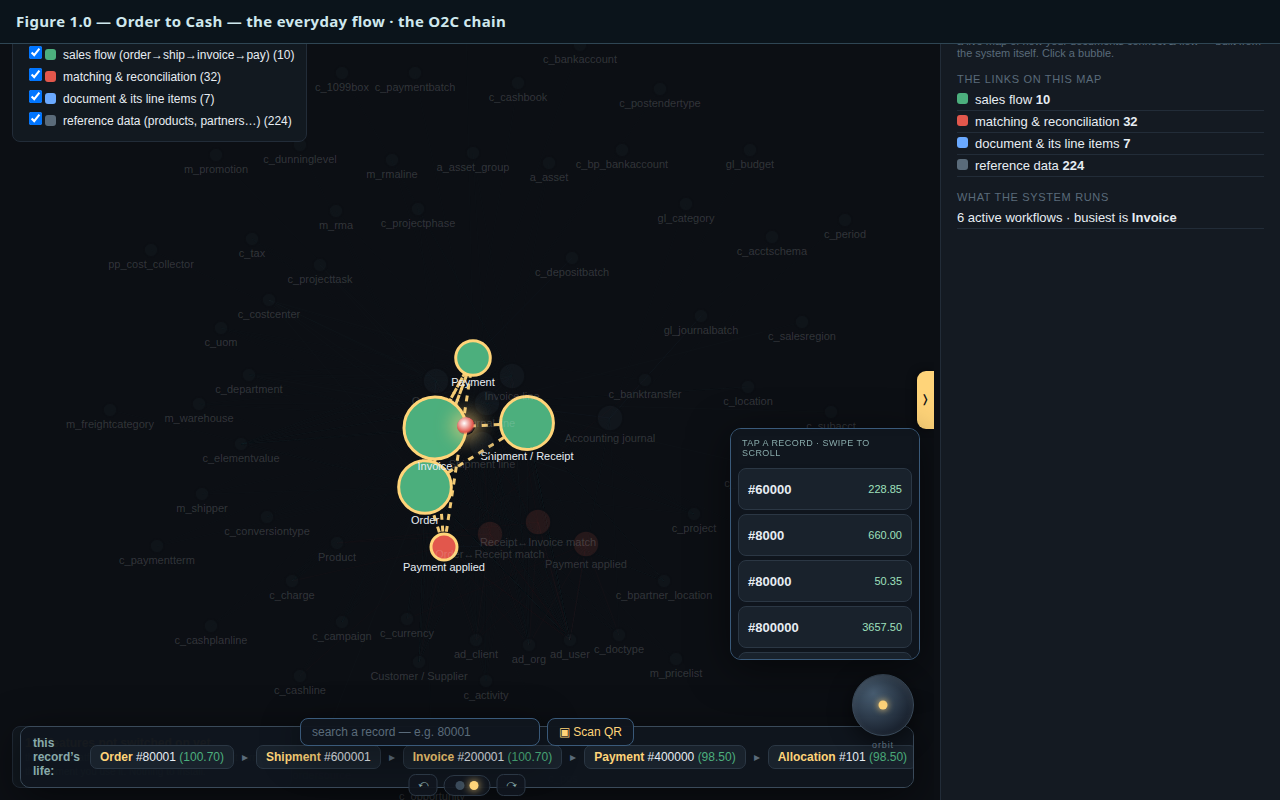
Figure 1.0 — the whole lit O2C chain on the map
The most common journey in any business: a customer orders, you ship, you invoice, they pay, and the payment is reconciled to the invoice. Below, one real order — Sales Order #80001 ($100.70) — is traced end to end from the actual data.
1 Order
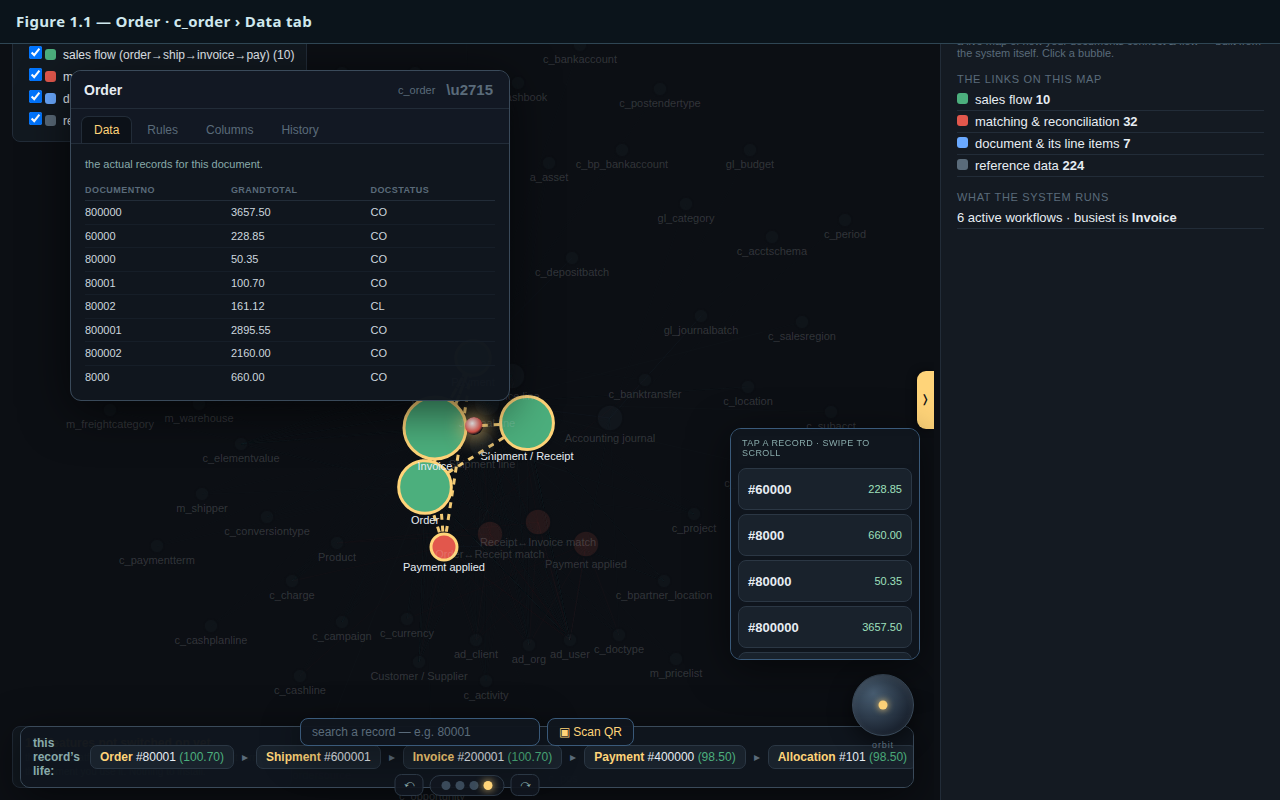
Figure 1.1 — the Order bubble focused, Data tab showing #80001
The Order records what the customer committed to buy. Here it is Sales Order #80001, total $100.70. Everything downstream — shipment, invoice, payment — references this one document. It needs no server: the order is a single signed entry appended at the edge.
2 Shipment
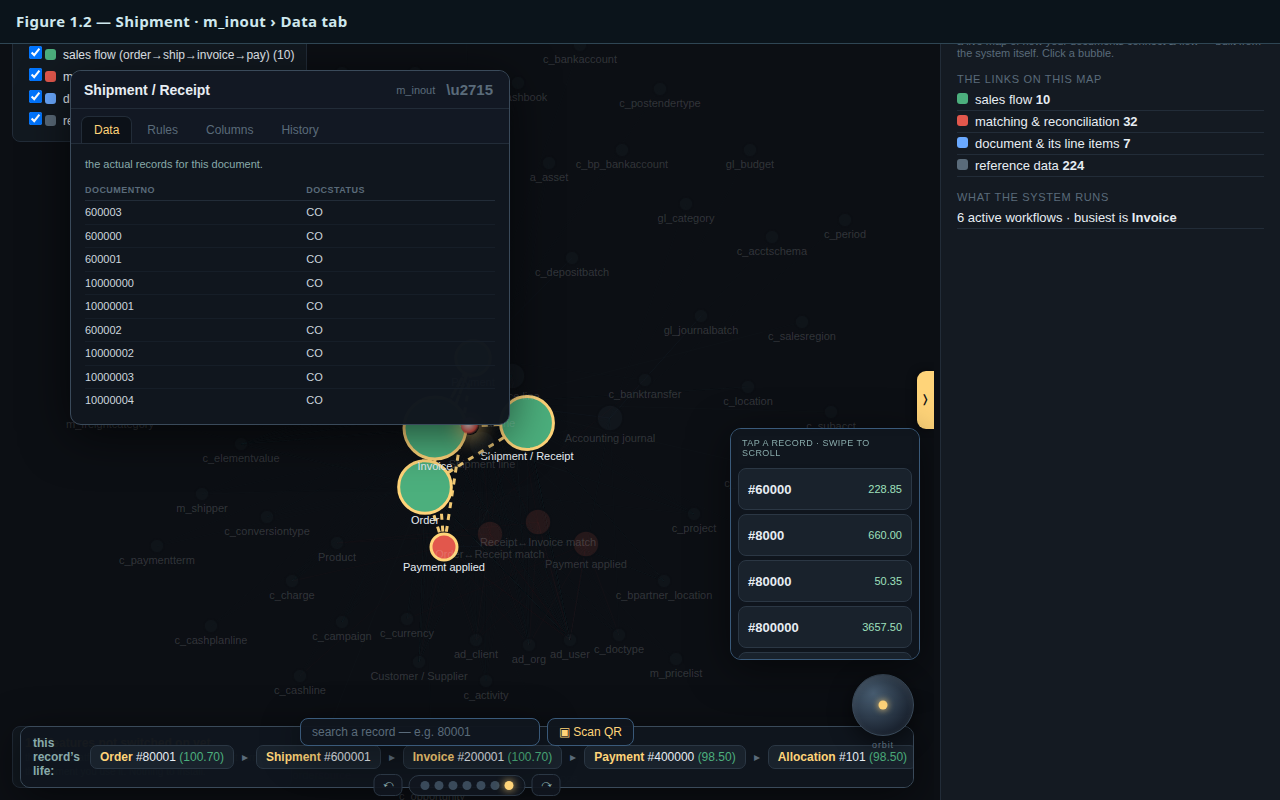
Figure 1.2 — the Shipment bubble focused, Data tab
The Shipment (Material In/Out) is the goods leaving the warehouse against the order. It points back at the order it fulfils, so the link lives in the data — not in a session.
3 Invoice
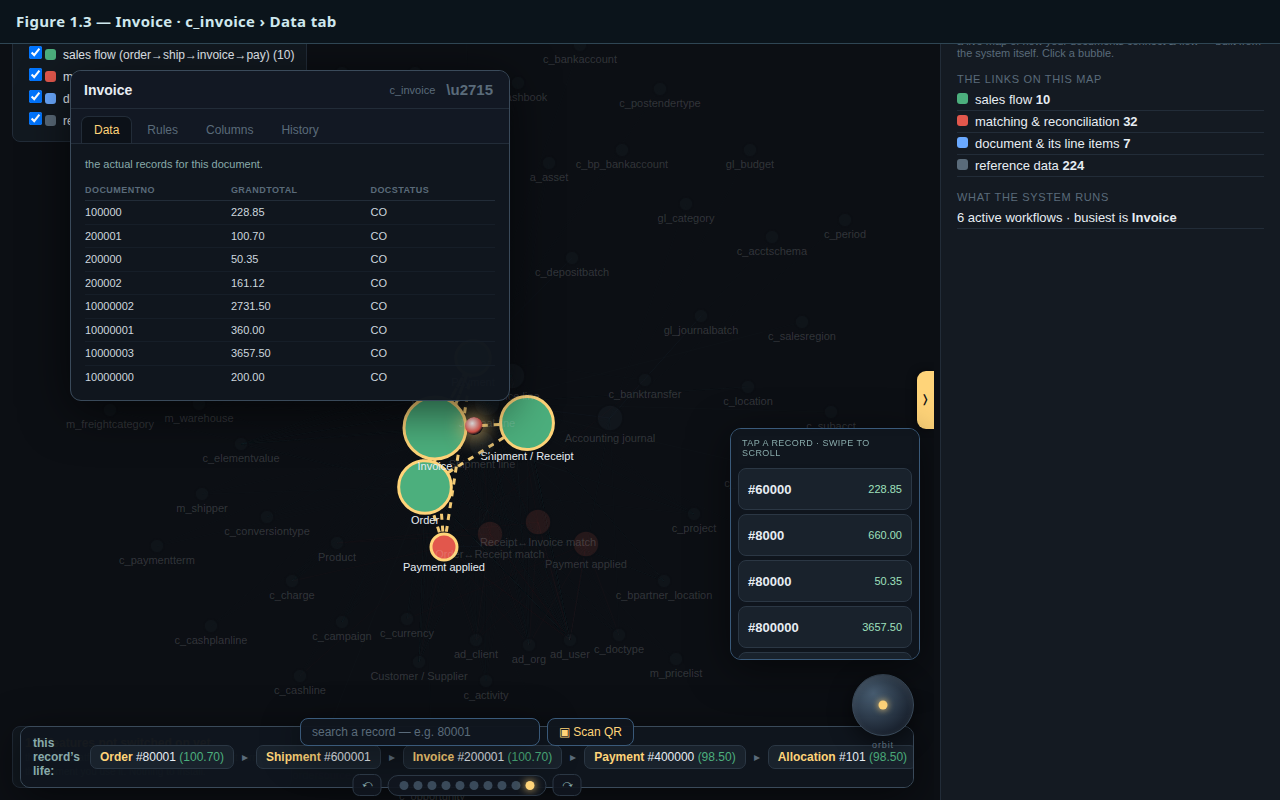
Figure 1.3 — the Invoice bubble focused, Data tab showing $100.70
The Invoice bills the customer — $100.70, the same figure as the order: what was ordered, shipped and billed all agree. The amount is derived by replaying the log, not stored twice.
4 Payment
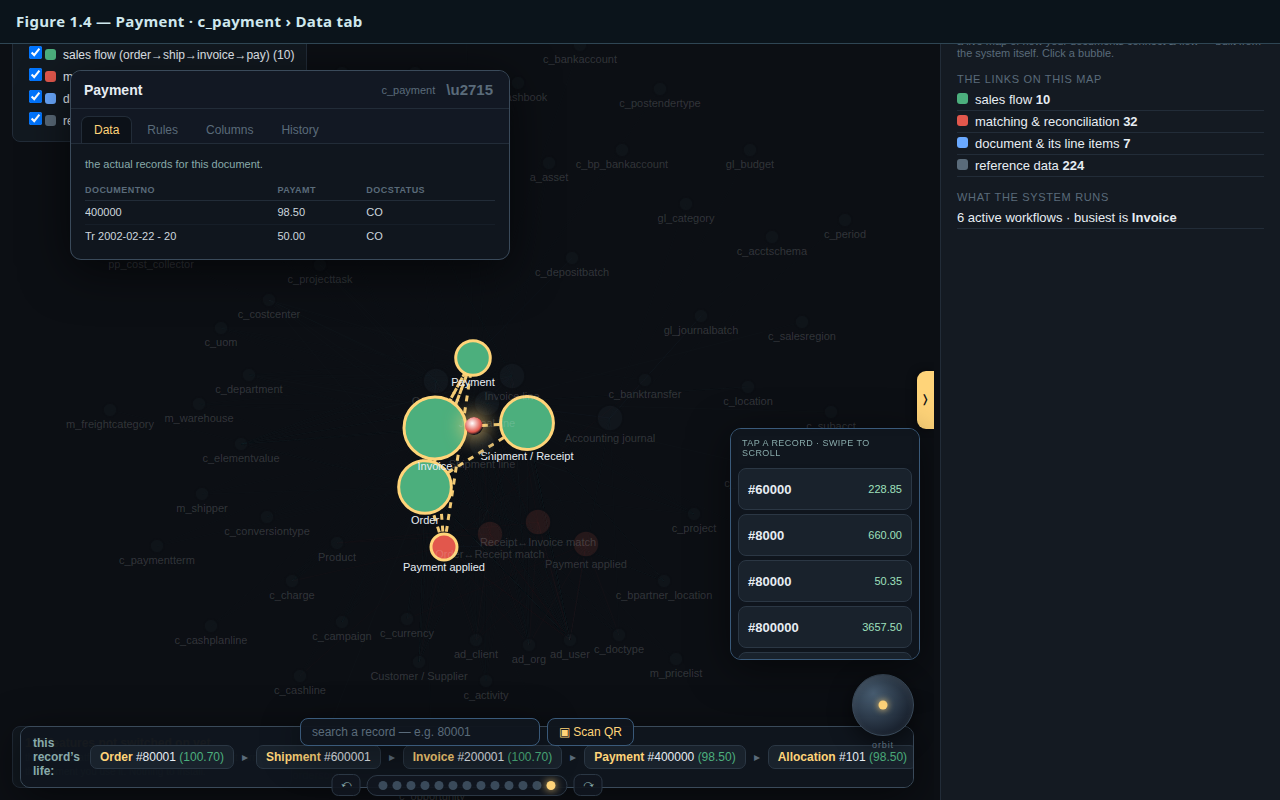
Figure 1.4 — the Payment bubble focused, Data tab
The Payment is the customer settling up. It is recorded as its own document, ready to be matched against the invoice.
5 Reconciled (Allocation)
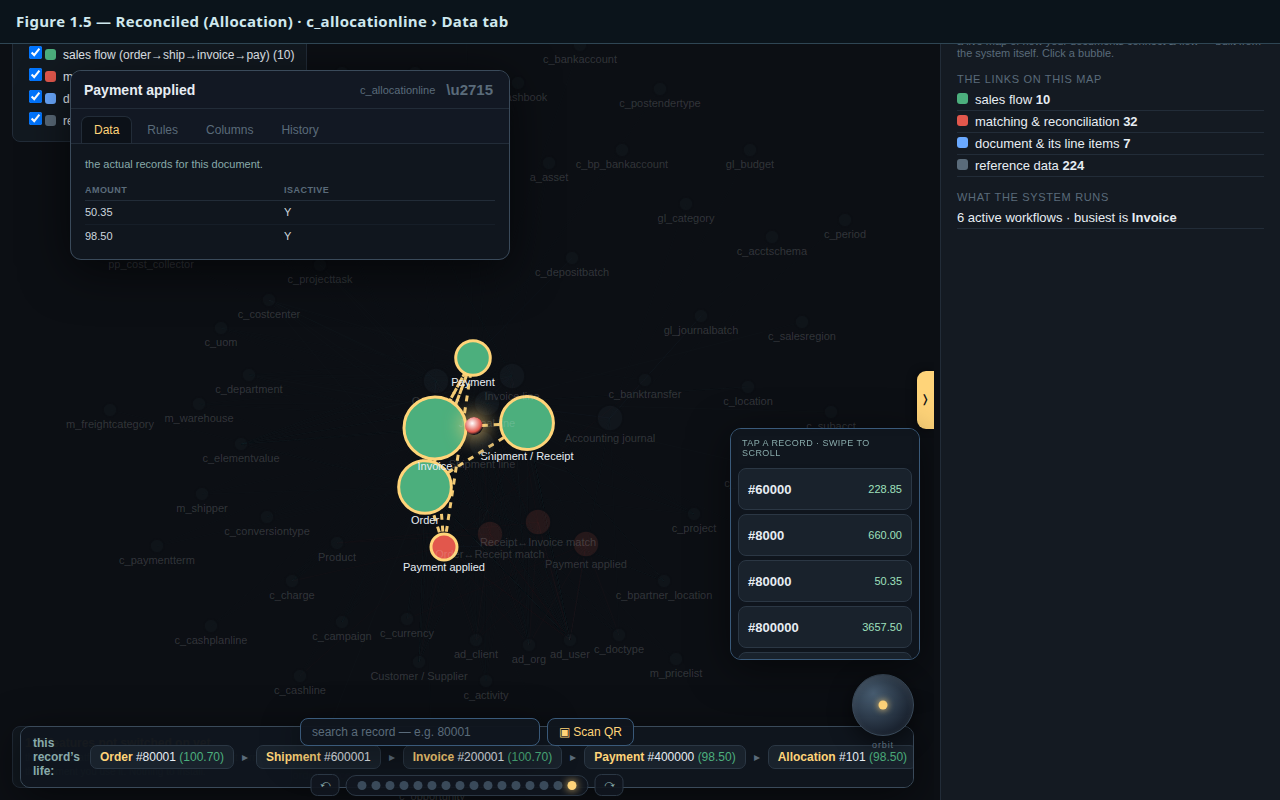
Figure 1.5 — the Allocation bubble focused, Data tab showing $98.50
The Allocation reconciles the payment to the invoice — here $98.50. This is the careful step a bookkeeper double-checks, and it is the one matcher that folds receivable against receipt for every kind of match.